Having admitted the other day that I could have written about
rigging up the Liminix wireless extender in the shed to use SOPS for its secrets (unwritten because I ... well, mostly because I just haven't written it)
but hadn't, I felt compelled to sort it out.
I've been working on this on and off for longer than I can remember,
because the whole thing still feels brittle and hard to test, and is
for that reason unsatisfying. But the other device providing wifi in
the shed seems to have entirely ceased working, and it's where I
perform $dayjob when I'm not in the office, so I needed to do
something as it's embarrassing to have my Zoom calls drop out.
(Every other important device in the shed has wired ethernet, but my
work Mac is too locked down and corporate to make that an option)
There are a couple of things I want the new generation of Liminix
devices to do that the old ones don't:
send their logs somewhere that won't disappear on reboot. I have talked about this previously, concluding on that occasion that it was "basically finished and ... just needs installing on some real devices"
get their "secrets" from a server somewhere instead of baking them
into the image at build time, so that secrets can be rotated and
configuration changed without reflashing the device. "Secrets" here
is currently mostly meaning things like the wifi password, allowed ssh keys etc,
which are technically either not secret at all or not especially
sensitive but let's at least try hey?
As the first of them was "basically finished", I have been spending
hours/months (actual/elapsed) on the second.
In essence it's simple: Liminix already has code to get secrets from a
server,
which is basically anything that can serve a JSON file over HTTP(S).
A service on the client gets the JSON file at configurable intervals,
and unpacks it into a directory under
/run/services/outputs/service-name where it can be referenced by any
other service that needs it
In essence it would be simple, so of course I have accidentally it
more complicated, by deciding to keep secrets in
SOPS and to use HTTPS client certificates for
authentication.
I wrote an HTTPS server (it's called
Undercroft) that does mTLS
(could have just used nginx for this bit) and on each request runs sops decrypt
(probably couldn't have just used nginx for this bit) to decrypt my secrets file on the fly and transform it
from yaml - which is human-readable but not easily machine parseable -
to json, which is the opposite.
On the client side, the Lminix secrets fetcher was previously only
capable of HTTP basic auth, but luckily it was dead simple to add mTLS
because fetch-freebsd already consults environment variables
SSL_CLIENT_CERT_FILE, SSL_CLIENT_KEY_FILE, SSL_CA_CERT_FILE
The threat modelling here might be a little weird, to be
honest. using SOPS means that our secrets are encrypted at rest and we
can back them up, put them in git servers etc with impunity, etc but
instead of having a decryption key per device we decrypt using a
single key owned by the https server, and then re-encrypt (courtesy of
TLS) for the wire. The more sympathetic way to use SOPS would probably
be to use ssh host keys as age identities, but that requires getting
the host keys off each of the devices after they've been created at
first boot, then re-encrypting the file for all the recipients.
How the client gets its certificate in the first place is the part
that's still a bit unsatisfying, because it's automated and the
authentication uses a shared secret that's baked into the Liminix
image - so anyone with a copy of one of your devices' Liminix images
and binwalk could make themselves a TLS cert and fire off a request
to your Certifix service to
sign it. But when the machine seeking a signature has no identifying features
that can't be faked, and no i/o capabilities, how does it attest that
it really is the machine it claims to be, and not an imposter?
ssh host keys are generated on first boot. We don't want to
create them on the build machine and bake them into the image, but
this means that to see what key was generated we'd have to connect
to the box after it booted, meaning (a) that it can't be depending
on any of those secrets to configure networking, (b) how do we know
we're connecting to the right place?
the machines are physical computers that can't be certified by their
hypervisor (as in AWS, Azure etc)
the mac address is easy to guess/fake
we could write some secret into u-boot env, but only on devices where
u-boot has been configured with a working persistent environment, and only
if we can get to the u-boot prompt (probably needs serial console)
if the device has controllable LEDs, the server could send it a
pattern and it could blink the LEDs in that pattern. I've only just
thought of this idea and it might be a good one.
we could change how images are written and flashed so that a
per-device secret that authenticates the machine to certifix is
appended/prepended/merged into the image before it's flashed. This
might be possible but will require some thought if we want to keep
the secret out of the nix store. Ideally we'd make the secret some
kind of time-limited, single-use token.
Anyway, I've done none of those things, even the ones that are
possible. But it's up and running and I flashed it using
Levitate using a chunk of
code like this in its configuration
  defaultProfile.packages = with pkgs; [
    (levitate.override {
      config = {
        imports = [ "${modulesPath}/ssh" ];
        programs.busybox.applets = [ "flashcp" ];
        services = {
          # dhcp on wired ethernet only instead of trying to bring up
          # all the wifi stuff
          dhcpc4 =  svc.dhcp4c.client.build {
            interface = config.hardware.networkInterfaces.lan;
            dependencies = [ config.services.hostname ];
          };
          # for recovery image we will just embed static keys instead of
          # running the full secrets management doodad
          sshd = svc.ssh.build {
            authorizedKeys.root = import ../users/dan/authorized-keys.nix;
          };
        };
      };
    })
  ];
There is a gotcha here that I need to address: you have to re-import
the ssh module inside levitate's config, otherwise although it finds
svc.ssh OK, it doesn't set config.programs.busybox.options.FEATURE_FANCY_ECHO and as a result
the authorizedKeys file is garbage.
Anyway, it's up and running and doesn't seem to have crashed
yet. There is something weird (but, I think, basically cosmetic) going
on with the log shipping forwarder which keeps stopping and restarting
whenever it does a DHCP renew, but I will write about that another
time - hopefully, after I have found out what the hell is happening.
In other news, Liminix is currently not building against nixpkgs unstable
because of a cross-compilation execline build failure. Check the Hydra for the last known working version.
I ran cripslock through PageSpeed
Insights a few weeks back and was aghast
to see how slow it was. No small part of this was due to having been
uploading 4096x3072 phone photos directly onto the site and letting
Boxy deal with presenting them at a
suitable size - resizing client-side does nothing for the transfer
size. Obviously.
So this is just a short blog post about blogging software: I have
added luagraphicsmagick to the build, and use it to scale images to
1024 pixels
before serving them, which should reduce their size approximately
ninefold for little loss of quality.
When I went back to PageSpeed after deploying that, it said I should
use srcset, and a better image format, and better compression, and
do a bunch of other not-necessarily image-related stuff I'm also not
doing (setting sensible cache headers would be a good one), and I am
putting off doing almost any of it because I feel I should be
spending the time on things I can write about instead of on polishing
the platform where I write it. It also said I score 0/2 on "AI
readiness", and my only question there is whether (and how) it's
possible to get a negative score for that. OK, that's two questions.
Things I could be writing about but am not include
diagnosing an electrical problem and replacing the reg/rect on my
motorbike (unwritten as I haven't actually replaced it yet, because
the wires on the new one are too short)
diagnosing a why-is-it-spitting-fluid-out-of-the-overflow problem
and replacing the oil/coolant on my motorbike (unwritten until I can
find out why it's refusing to take the full volume of new coolant)
rigging up the Liminix wireless extender in the shed to use SOPS for
its secrets (unwritten because I ... well, mostly because I just haven't written it)
tl;dr I thought there was was going to be some Rust in Liminix, but it
turns out there isn't. I'm not opposed to adding it, but the
application I thought I had for it turns out to be better done in C
I'd better eludicate. I decided, way back in whenever-it-was, that
Fennel would be the go-to "scripting" language for anything in Liminix
too complicated to want to write it in ash-compatible sh - and as my
criterion for "too complicated" is more than about ten lines long,
that's quite a lot of Fennel. The Fennel is translated to Lua at build
time and interpreted by the lua command at runtime. So we start many
Lua VMs and in most of them we load anoia.lua
and lualinux.so which together provide functionality that pretty
much every such script requires.
I thought it would be a useful optimisation to have a server that
spawns prewarmed Lua VMs on demand. I should say upfront that this is
premature optimisation in its purest form as I haven't even measured
how long these things take to load.
So what it does is start a lua interpreter and listen on a socket. On
each incoming conection it reads the name of a lua script and accepts
file descriptors for stdin/stdout/stderr as ancillary
data. It
forks, and run the script in the child so its state does not change
the state of the parent. I'm pretty sure I've seen this pattern a
bunch of times (something KDE did back in the day, Ruby snailgun gem)
but I can't now find a good reference describing it or naming it, so
if you haven't seen it before maybe I dreamt it. It's not "preforking"
because there's no pool of children - they're forked on connect.
And the reason I wrote it without first finding out of it'd be useful
is it seemed like an excuse to try using Rust again.
What I found:
embedding a Lua interpreter into Rust is made entirely painless by
the mlua crate
getting ancillary data on a unix socket requires using the
recv_vectored_with_ancillary_from method, which needs Rust
nightly. This is kind of understandable as the necessary kernel
support has only been present since 1996
when it comes to systems programming, there are many ways to do the
same thing and it doesn't seem like much consensus. Web searching
for "rust fork" led me to the fork crate, so I added that. But it
doesn't include any wait() or waitpid() interface so I added
that from the nix crate, and then I also wanted to call poll()
so I did that with the libc crate. With hindsight I should have
used libc for everything - the only value-add of the
rust crates (for this application) seems to be that it wraps C's
magic 0, n, -1 sentinel values in fancy enums so you can write
match clauses like Ok(Fork::Parent(pid)) instead of pid > 0
I found a way to do signal handling (I needed to catch SIGCHLD), but
only by blindly copying code I didn't understand from the
internet. (N.B. this is acceptable in in 2026, it's the same process
as LLM-assisted programming except without boiling the ocean).
There's extern "C" and unsafe and libc::signal(libc::SIGCHLD, handle_sigchld as *const () as libc::sighandler_t) which frankly
doesn't (and shouldn't) inspire confidence.
The surprisingly simple bit was incorporating it into Liminix. I added
my package to overlay.nix and ran nix-build and voila, a MIPS
binary. I was expecting to have to swear a bit more than that.
However, I'm not going to do it, because the binary is huge. After
stripping it, replacing the fork and nix crate dependencies with
direct libc calls, and then following this handy guide to reducing
binary size I've got it
from somewhere north of 800k to around 415k, but that's still a significant chunk
of a 16MB flash filesystem. When I wrote the equivalent program in C
for comparison it's about 20k. Yes, both are linked dynamically
against libc and liblua.
So, the outcome of the experiment is I have no current plans to add
Rust to Liminix. But if it ever turns out that we do need to, at least
we know it's possible.
My wife says my motorbike is a mid-life crisis thing. I don't agree,
but (very reluctantly) concede that I'm easily old enough for one, and
one consequence of that is presbyopia. So, last week I ordered
varifocals (the presbyopia accompanies the myopia I've had since I was
about 11). I picked them up on Friday and was getting stabbing pains
in one eye on Saturday morning - by all accounts they
take time to get used to and
apparently this is to be expected - so I was in two minds about riding
anywhere that afternoon. But I did, and it worked out OK (actually,
they've been less trouble for riding than in a bunch of other
situations).
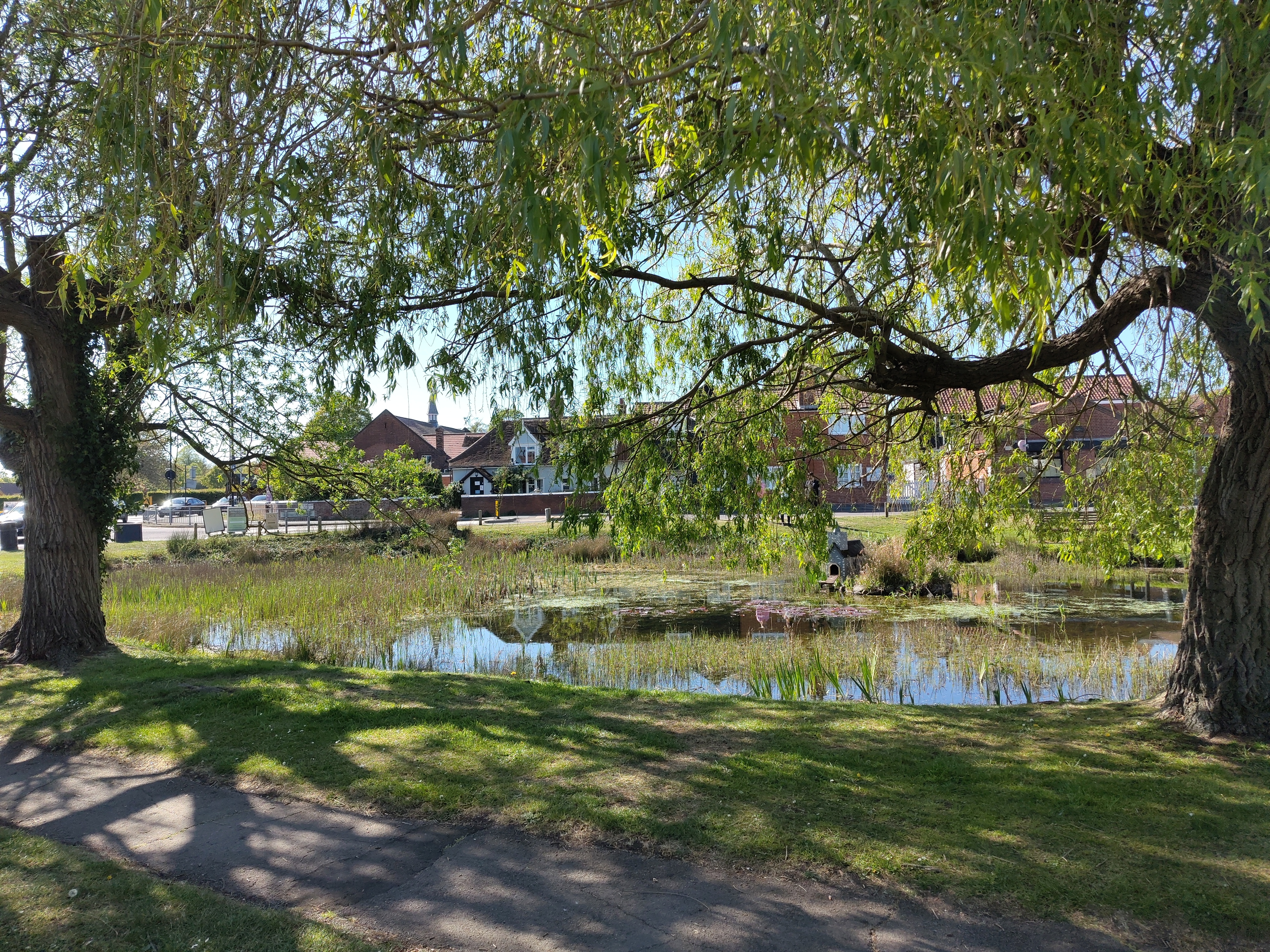
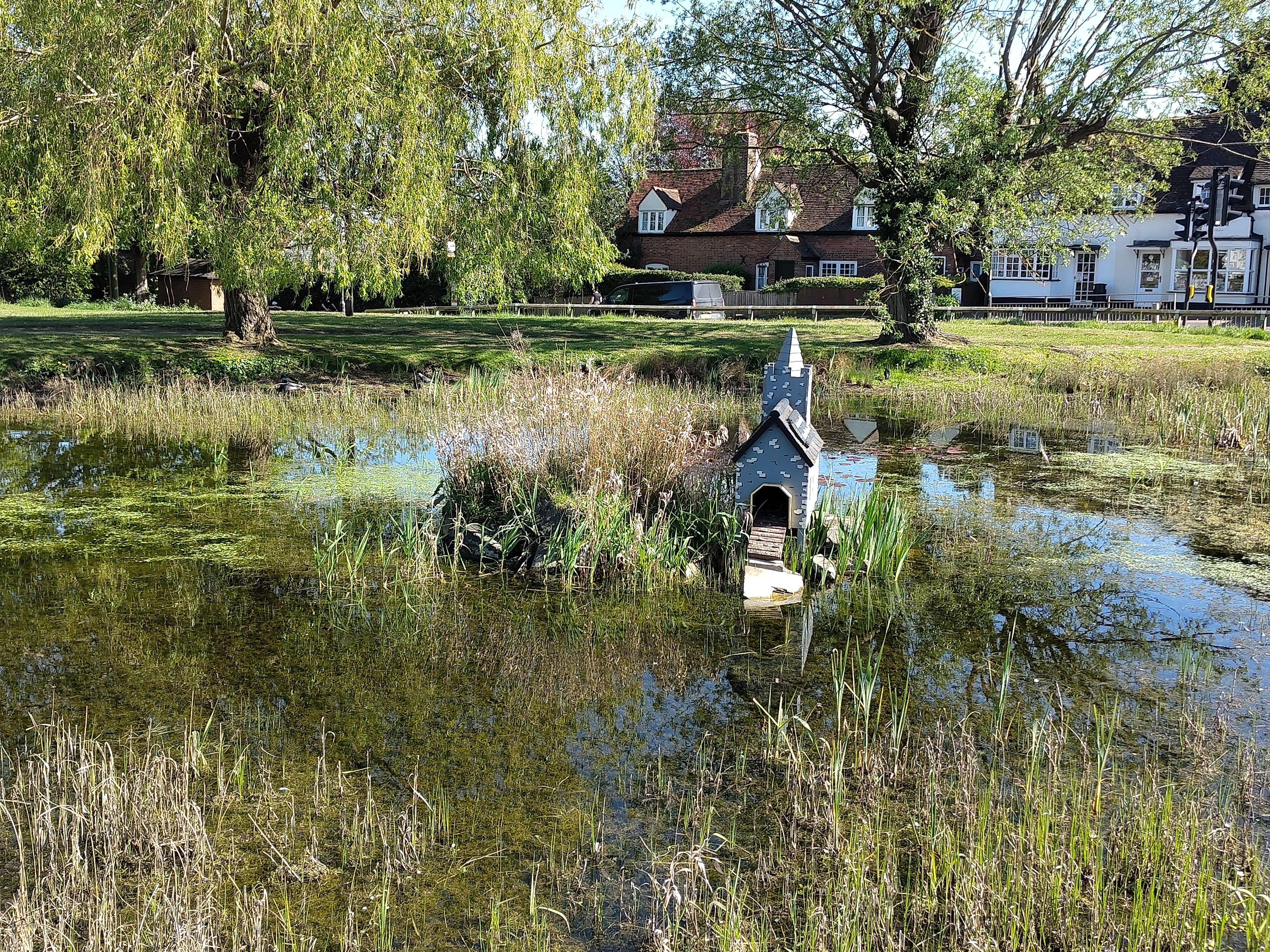
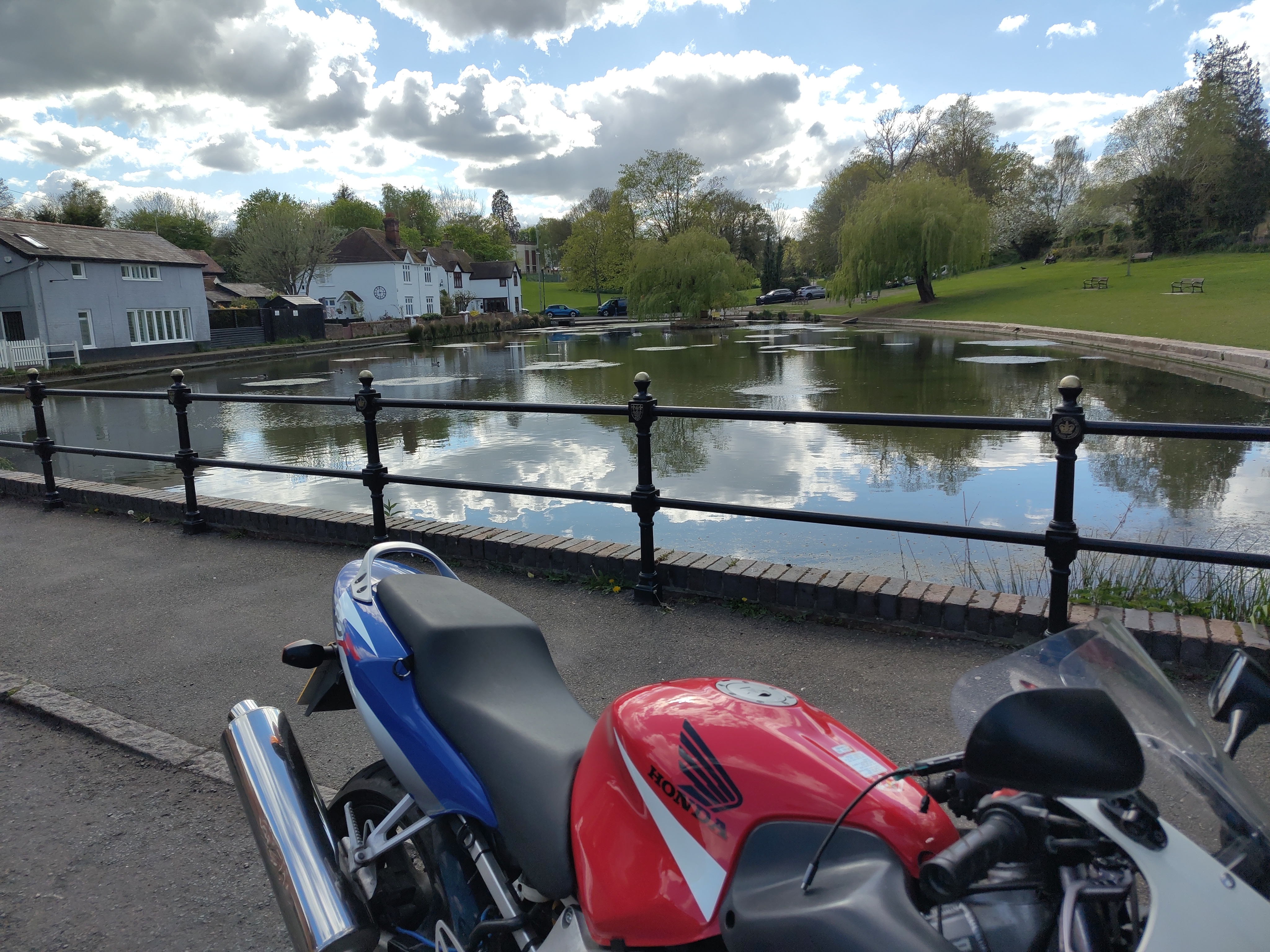
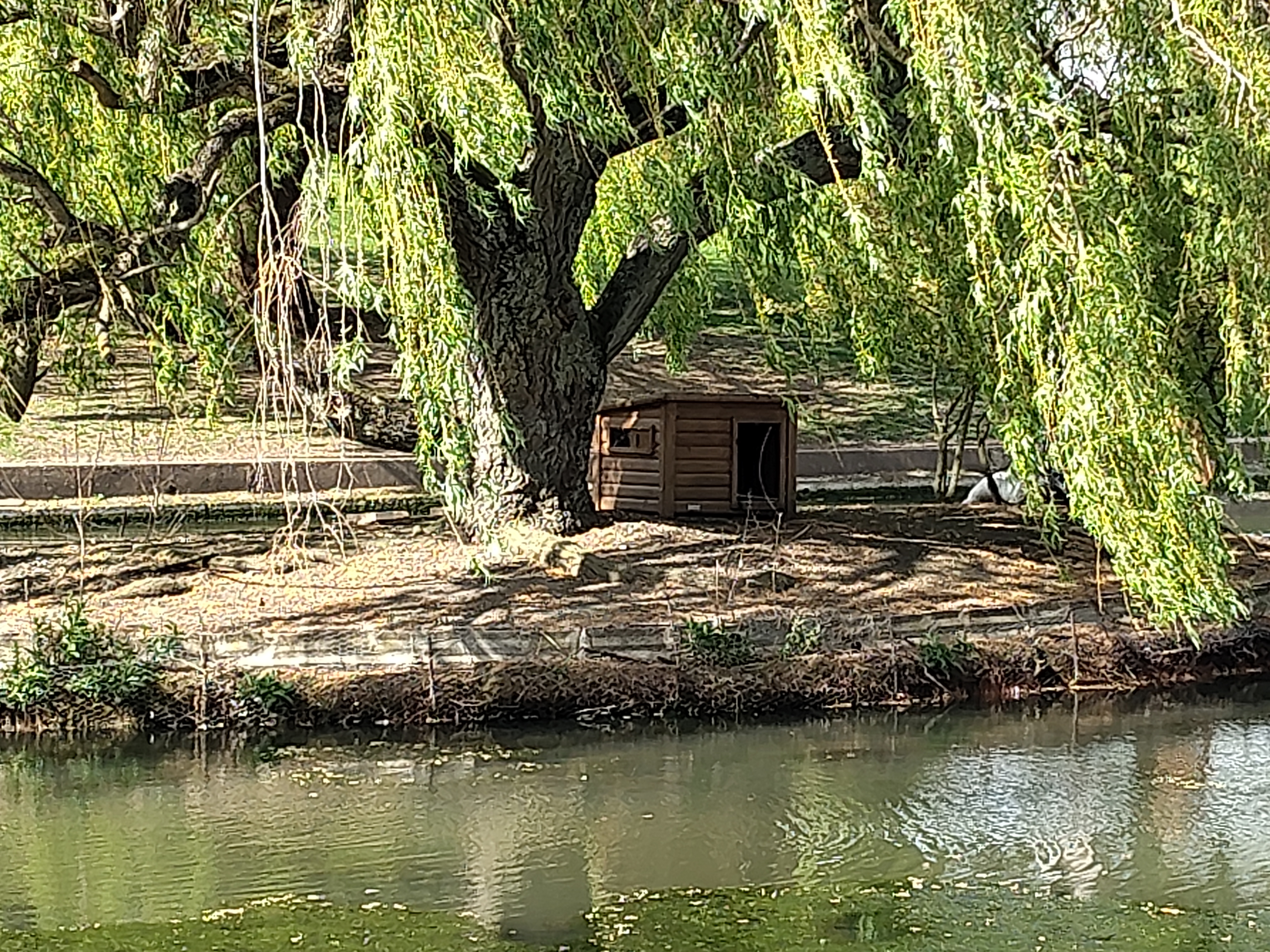
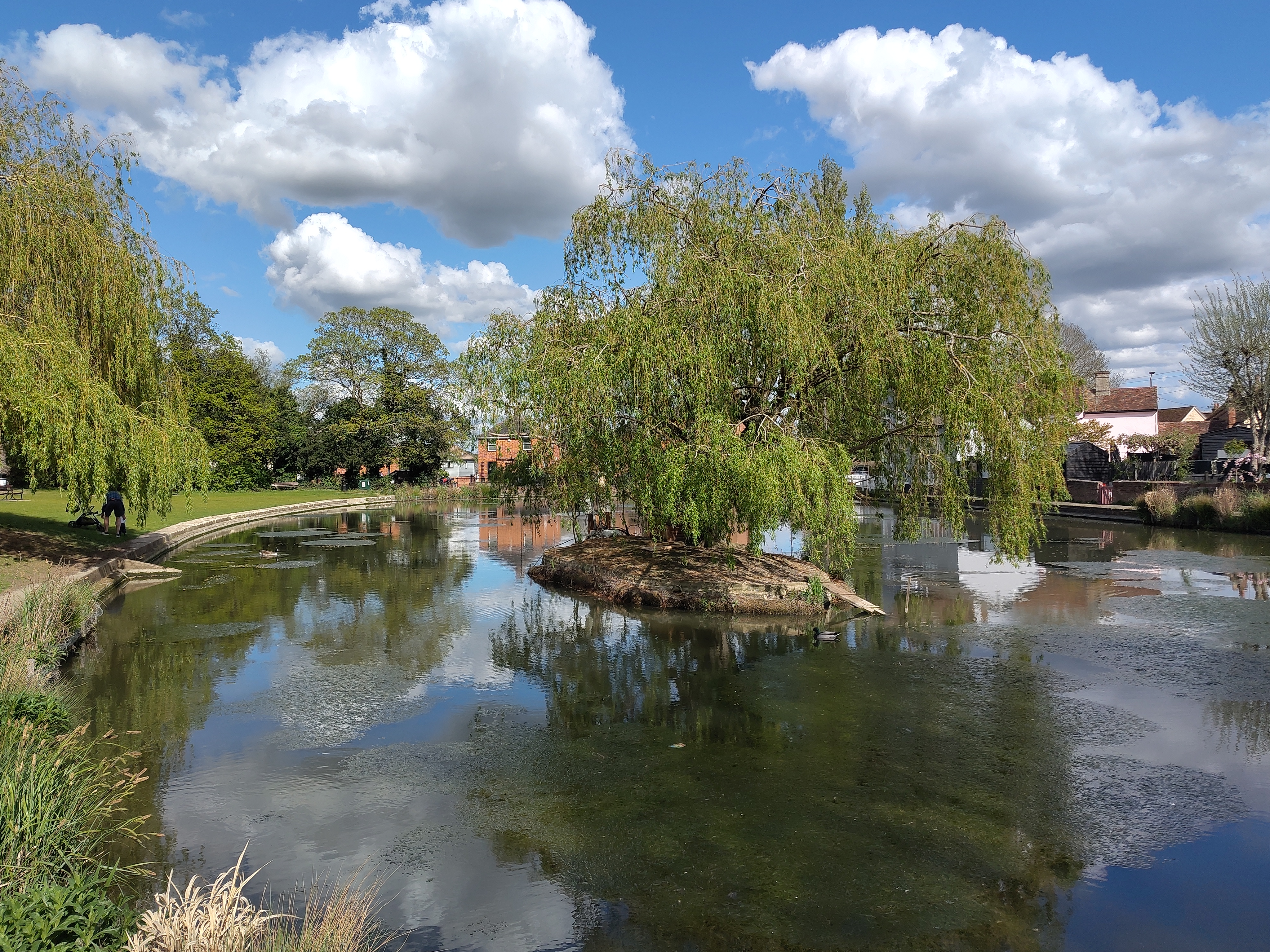
This is Danbury, just the other side of Chelmsford. Duck pond,
island, and duck house in the shape of a church. When I was there, the
pond contained two ducks, which you can just about see in the second
picture at the base of the left-hand tree, though maybe only if you
knew they were there already. So, this the second of two rides where
the destination duckpond was not empty, which means I can claim that I'm
getting my ducks in a row.
The ride there was along the A414, which is a long straight-ish single
carriageway with a rather boring 50mph limit and an even more boring
continuous line of cars travelling at 43. There were signs the length
of it saying "this is a high collision road", which I suppose explains
the speed limit because it was definitely a 60 in 2024.
On the way back I got bored of the A414 quite soon, and decided that
if I were going to ride in a straight line forever I might as well hop
on the A12 and get home sooner. But then after a couple of miles I saw
a sign for the B1007 and decided to come off there and stress-test the
satnav.
I'm glad I did. I didn't end up on the B1007 much, but on a sequence
of minor roads that took me through Stock, Ingatestone, Fryerning,
Mill Green, Hook End and Marden Ash, before emerging into terra
cognita just outside Ongar. And Kurviger must have been having a good
day because nowhere did it route me down a single track road with
strips of gravel down the middle.
My commentary rides still sound more like stream-of-consciousness
rides, but there were definitely a few opportunities to practice
looking-sideways-to-see-past-the-bend, even when the road appeared at
first sight to be bound on both sides by tall hedges, so yeah, I'll
take that.
Satnav didn't save the route, so I had to reconstruct it from the
dashcam footage. If I watch it back on 5x speed it looks like the Isle
of Man TT.
Next destination (unless I find a better one during the week):
Chapmore End.
A first for 2026: on Saturday I visited a pond with ducks in it. Ride
out to Dunmow, in which we find a large pond, an island with a
duckhouse, some ducks, a small child (not pictured) feeding them, and
some willow trees. It's set in a dip in the land, so the grassy banks
slope downwards towards the water. Top marks for duckpond.
Two points deducted for the journey there, though. Joining the dual
carriageway, I identified a gap in lane 1, matched my speed to the
traffic speed, did a shoulder check as I crossed the line from the
slip road into lane 1, and when I looked ahead again there was a car
alongside me in the same lane I was in. So, wearing my surprised face,
I dropped back behind him. Reviewing the camera footage later it seems
that he had moved from lane 2 to lane 1 as I was moving from the slip
road into lane 1.
Accepting that these things happen and considering what we can do
to avoid it, the obvious strategy is to not be doing a shoulder
check at that time.
... which brings me neatly onto the second topic of this post: I did
an ERS day
on Wednesday and I have the certificate to prove it. It was billed as
an introduction to advanced riding, so we touched on topics like limit
points and
IPSGA
which I knew about in theory but don't always practise in
practice. Most of the day was spent riding - a mixture of some very
fun contry lanes, a bit of dual carriageway and some villages. I did a
couple of overtakes (no, not through the villages) that I don't
think I'd have gone for if I were on my own.
Most of my takeaways are riffs on the general theme of "information
gathering" (as the IAM would no doubt describe it):
Avid readers (both of them) will remember that last year I did a
TfL 1:1 training session in which I
was told I wasn't doing enough shoulder checks. Well, I started
doing more shoulder checks after that and ... now I'm doing them too
much. As in the dual carriageway not-actually-an-incident above: no
point in looking backwards for danger when I already know the lane
is clear and the most likely source of danger is ahead. (To tie this
into the theme: don't look round if there's no information to be had
by doing so)
seeing the shape of the road ahead by looking at where trees/hedges
are, or the lines between telegraph poles. Even just, sometimes,
looking sideways across the fields to see the road past the next
bend and the the oncoming traffic. I've watched videos where riders
say they're doing this but it didn't "click" until I saw it in real
life. Thinking back, I had the same experience with limit points.
commentary riding: a few times I missed opportunities basically
because I came out of one hazard (e.g. a roundabout) looking at the
back of the car in front instead of already planning for the next
hazard (a slow lorry on the exit, or a queue of traffic). I've
tried commentary riding before and I found that my brain can't form
words fast enough to explain everything, and what comes out of my
mouth is "that thing is coming out of the thing over there, oh look,
no not you, ok, let's take that, no". But the
instructor took the lead along one leg of the ride and
commentaried(sic) it and it was noticeable that I was faster and
smoother listening to his commentary than I would have been without
it, so definitely worth persisting.
(I have an idea that this is related to the cognitive psychology
concept of
chunking: by
articulating what's happening and what we'll do about it, it
encourages the brain to form associations, and so allows operating
on more information because individual units are combined. Caution:
I have entirely no evidence to support this hypothesis but it does
sound beguilingly plausible, which is very often the case for things that aren't
true)
positive feedback on machine control and "making progress", which
was good to hear
According to my trip counter it was a 150 mile day (including about 50
miles to get to the start point and home from the finish) and I was
feeling pretty bushed afterwards, as my usual ride is 2-3 hours and
about a third of that distance.
Returning to the original topic: I don't think there's much else worth
saying about the ride to Dunmow, except to admit that the flying duck photo was
a fluke. Lots of traffic meant not many opportunities to get up to
speed, but it was warm and sunny which kind of made up for that.
First (and only, so far) ride this year in mesh jacket, summer gloves
and Bowtex leggings. On Wednesday I had a 7:30am start and was was
back in full leathers.